DingCaster
Professional live streaming, powerful features, and user-friendly
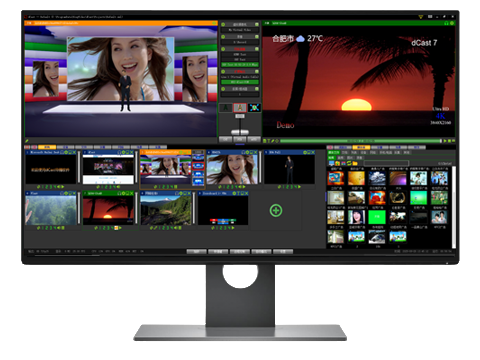
Professional live streaming, powerful features, and user-friendly
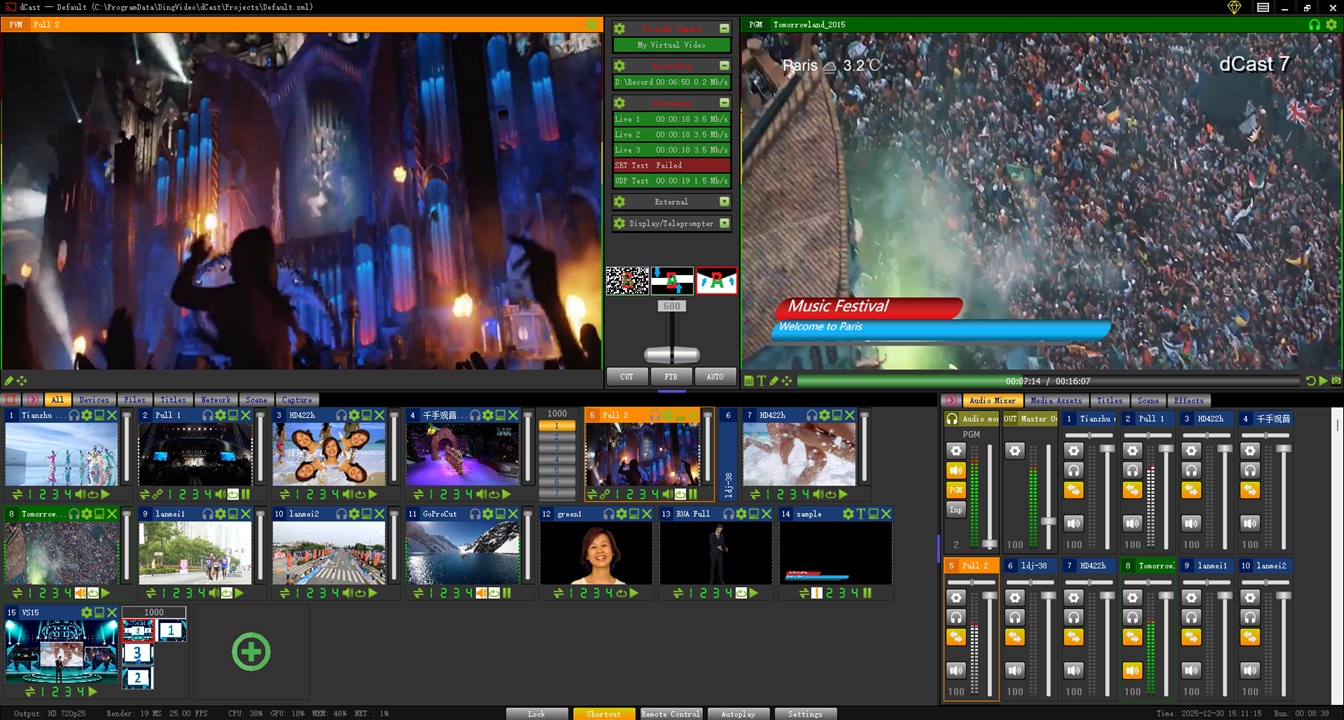
DingCaster provides comprehensive and powerful functions to meet the needs of various live productions and streaming broadcasts
Supports SDI, HDSDI, HDMI, USB and IP interface cameras, with SD, HD, 4K resolution support.
Connect audio from microphones, mixers and other devices, supports audio visualization, and can also capture audio output from third-party software.
Supports RTMP(S), SRT, RTSP, HTTP(S), HLS, TCP, UDP unicast and multicast protocols, as well as NDI input and output.
Support NDI AV or separate audio input, low latency, high quality.
Mobile phone screen and camera access via WIFI/4G/5G, supports multiple protocols, suitable for mobile game live broadcasts, APP demonstrations and remote connections.
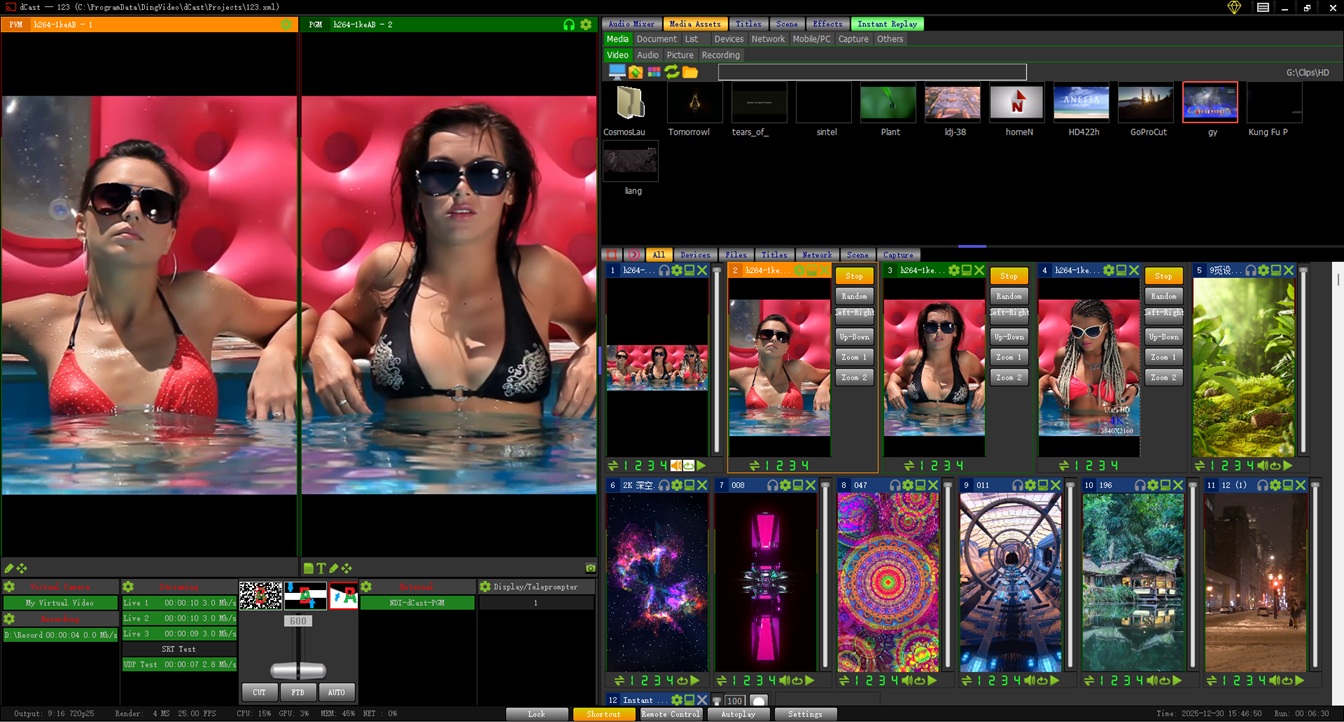
It supports two forms: virtual studio and multi-screen, high-quality keying, multi-camera camera movement, and scene nesting.
Supports multi-channel remote video access via P2P, with split-screen display. Supports mobile and PC access, with latency as low as 300ms.
Supports all popular formats, including AVI, MP4, H264, HEVC, etc., and supports 32-bit videos with Alpha channels and transparent GIF animations.
Supports PPT, WORD, PDF and other documents. PPT documents support native videos and animations, consistent with the display effect of the original software.
Supports window, monitor or game screen capture, web browsing and interaction, and media in web pages can be extracted as independent input sources.
Supports speech-to-text, converting microphone or video audio into subtitles; text-to-speech, converting text into audio for dubbing.
Automatically parse the address of Tiktok/Douyin Kuaishou live broadcast room, and each live broadcast room can be used as an independent input source. Support simultaneous access to multiple live broadcast rooms.

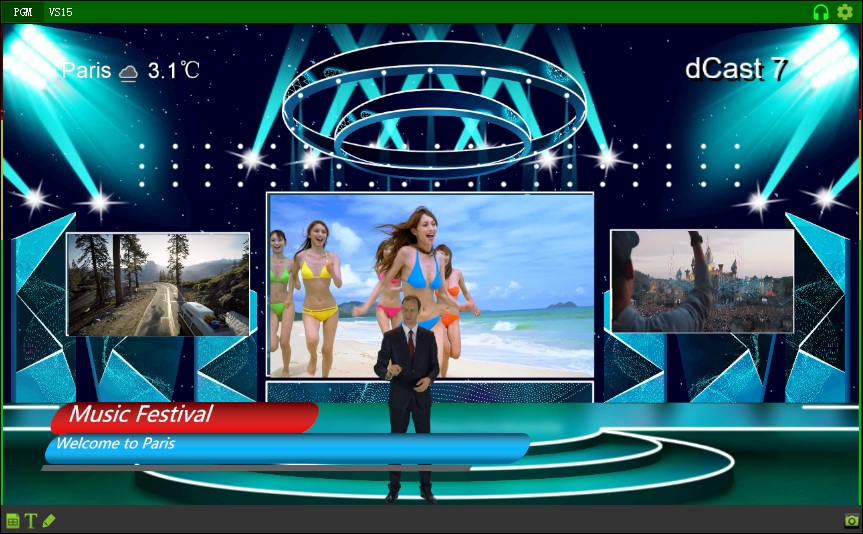
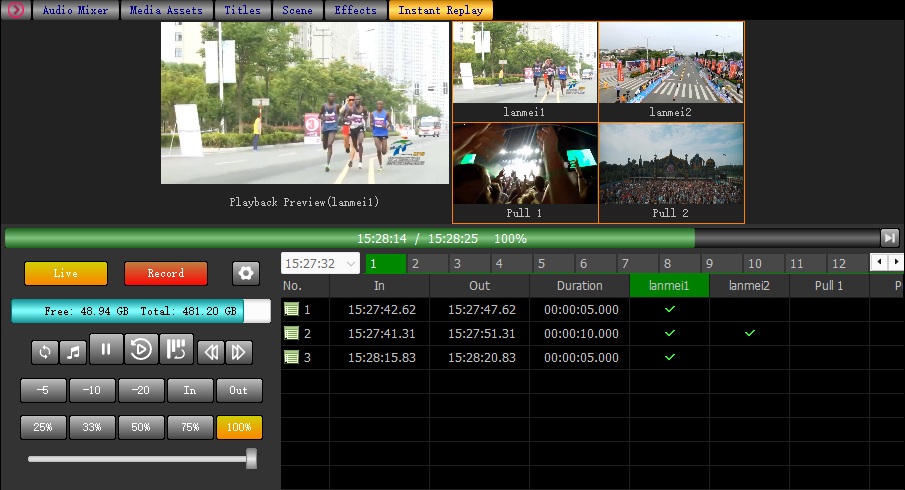
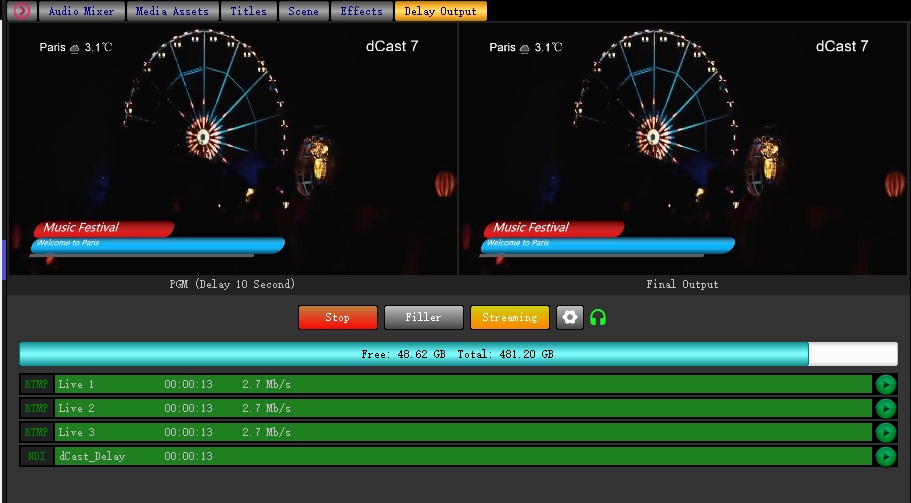
DingCaster DingVideo Live Streaming System is widely used in various on-site events to provide professional-level video solutions
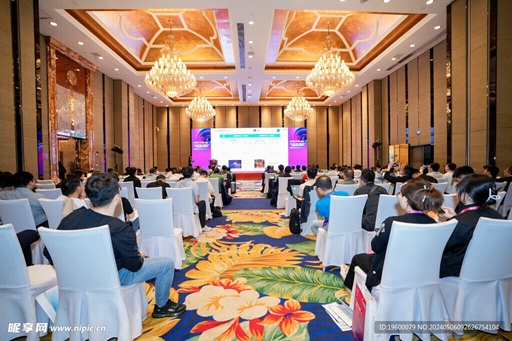
Multi-camera switching, real-time subtitles, flexible switching between speaker close-ups and panoramic views

High-speed motion capture, slow-motion replay, score overlay, real-time multi-angle switching

Multi-scene simultaneous recording, instant replay of wonderful moments, real-time presentation on on-site large screens
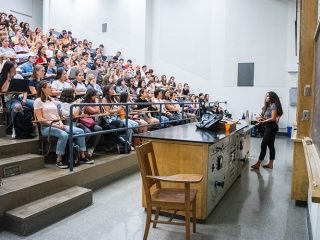
Flexible switching between lecturer and courseware screens, real-time annotation, multi-platform teaching live broadcasts
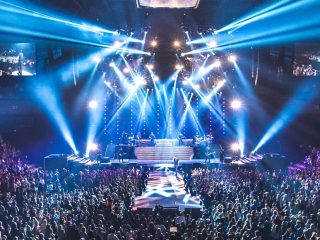
Combination of stage panorama and close-ups, lighting effect optimization, audio synchronization processing
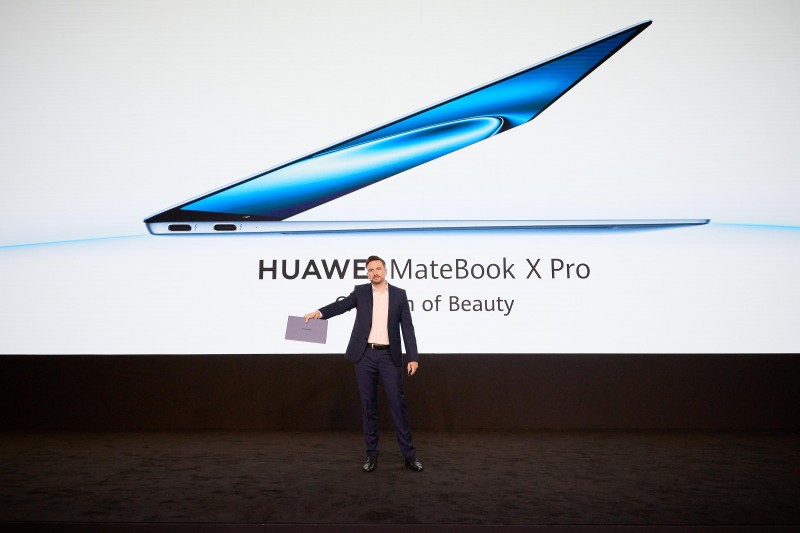
Multi-lens display of product details, seamless switching between speeches and product screens, brand element integration
Three licensing models are offered: free, term license, and perpetual (one-time) license, across five software editions.
Meets general application needs
Pay-as-you-use, and use immediately
One-time payment, permanent use
Last update: V7.6.6 2026-3-30
1. Enhance the local server functionality to enable LAN streaming without requiring a live streaming platform, allowing viewers to watch via mobile phones, tablets, or computers.
2. Video overlay supports multiple transition effects, while audio mixing allows for fade-in and fade-out effects.
3. The automatic broadcast supports scheduled playback and mixed modes of timed and looped playback.
4. System time display.
5. Known bug fixes.
1. Browser input source improved.
2. Added the function of hand-clapping lyrics.
3. Added channel effects function, supporting magnifier and other various effects. More effects are coming soon.
4. Supported color theme switching for the interface, with more than 10 preset theme templates.
5. Performance optimization and bug fixes implemented.
1. Added delay broadcast function with multi-window monitoring and unlimited delay duration.
2. Added slow-motion playback function, supporting up to 4 cameras.
3. Added triggers to implement automation functions, supporting multiple events and multiple triggers.
4. Supported AMD Hardware Acceleration.
5. Added the function of hand-clapping lyrics.
6. Browser input source improved.
7. Performance optimization and bug fixes implemented.
1. Optimize the virtual set function and fix the BUG of poor image quality in some windows with UVMap
2. Support dynamic virtual set and provide over 100 virtual set templates.
3. Supports embedding third-party (vMix, Sinsam, etc.) virtual sets, titles, and other resources.
4. Optimized the interface layout and added 1 new portrait layout.
5. Integrated caption editing, virtual set editing, and LAN screen capture software.
6. Supports capturing WeChat video calls and QQ video calls.
7. Remote connection supports fixed resolution; DingCall App offers clarity-first or
fluency-first options.8. Fixed known bugs.
1. Support real-time weather function, which can be added to the input channel or PGM.
2. A physical camera can be virtually transformed into multiple input sources, with each virtual camera capable of independent output and supporting PTZ functionality.
3. Multiple portrait screen templates added.
4. Enhanced list function.
5. USB camera/microphone plug and play.
6. Support San-Keys Keyboard.
7. Add logging function.
8. Known bug fixes.
1. Add multi-channel facial beauty features, including features such as skin smoothing, brightening, slimming, and enlarge eyes.
2. Add a teleprompter function that supports font, speed adjustment, horizontal and vertical mirroring, and other adjustment methods.
3. Support XW750 MIDI keyboard.
4. Known bug fixes.
1. Supports mobile camera input, with a delay as low as 200 milliseconds, and can be used for LAN
2. Support screen capture input on mobile phones, with a latency as low as 200 milliseconds, and can be used for LAN
3. Supports video call of mobile phone cameras with latency as low as 300 milliseconds, and the network supports LAN, WAN,4G, and 5G
4. Supports remote computer connection with latency as low as 300 milliseconds, supports calling and called modes, realizes the functions of the main venue and branch venues, supports simultaneous access to multiple branch venues, and the network supports LAN, WAN, 4G, and 5G
5. Synchronize the release of supporting Android apps (DingCall, dCastTool)
6. Known bug fixes
1. New authorization method, supporting free, monthly payment, and one-time payment authorization. Support registration codes, encryption locks, and OEM customized authorization.
2. Powerful free features that can meet general application needs.
3.The input channel function can be customized as needed to simplify channel management.
4. Supports automatic playback, unmanned operation, and automatic skipping in case of channel failure.
5. Improvement of screen mirroring function, visual operation of remote screens
6. Other multiple improvements.
7. Known bug fixes.
1.Fix bug that sometimes crashes during software startup after adding studio scenes
2.Other known bug fixes
1. Support mobile phone/tablet remote control
2. Support Arduino tally light
3. Support Web tally light, you can use your phone/tablet as a tally light
4. Website media (videos, pictures) are automatically extracted and added
5. Douyin/Kuaishou media, live broadcast room links are automatically discovered and added
6. Known bug fixes
1. Voice real-time subtitles
2.Text-to-speech
3. Background audio and video effects, one click on the screen
4. Unlimited layer support, one key to switch the layout
5. Color mixing function, to meet more professional needs
6.Online annotation, paint it at any time.
7.Online zoom and pan, show video details at any time.
8. Upgrade the keying algorithm to get the best keying quality.
9. No green screen keying support.
10. PPT, PDF, WORD document support, no need to install the corresponding software.
11. PPT native effects support, you need to install PowerPoint.
12. Input audio monitoring, output listening to both
13. Virtual PTZ, no hardware can also be pan/tilt/zoom
14. Segmented video saving , not afraid of accidental loss of video
15.Capture common audio player lyrics and audio, easy karaoke
16. Pre-set a variety of control keyboard templates
17. Hot-plugin support (audio, monitor, guide keyboard ...) No need to restart the software
18. Virtual scene editing software integration
19. Known bug fixes

DingVideo DingCaster
Version : V7.6.6-20260330
Release Date : 2026-3-30

Virtual Studio Editor
Version : V1.3.4
Release Date : 2026-3-7
Desktop Capture
Version : V1.1
Release Date : 2025-9-23
Mobile Camera/Desktop Streaming APP
Version : V1.0
Release Date : 2025-1-17
Video Call APP
Version : V1.3
Release Date : 2025-12-31
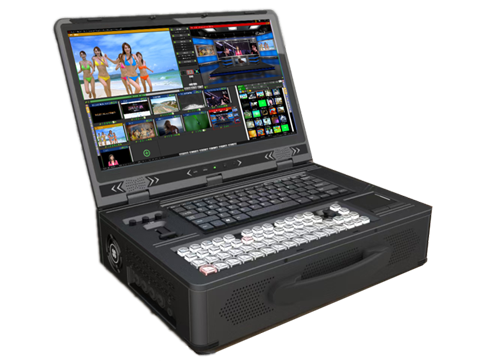
Based on the DingCaster production software, we have developed high-performance all-in-one live production switchers with multiple configurations to meet the diverse needs of users.